
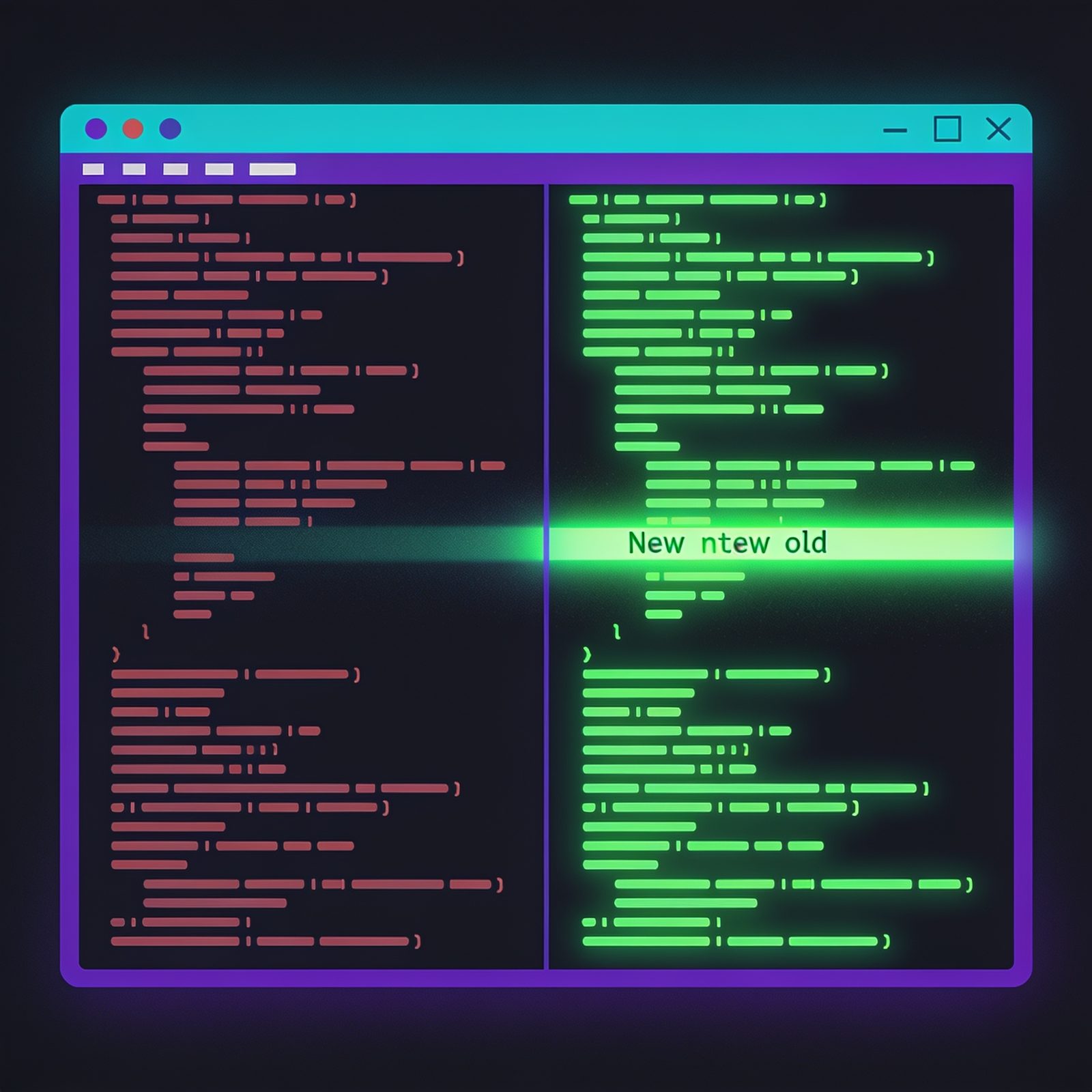
You type git diff dozens of times a day, and it's always the same wall of + and - lines. Functionally complete, but genuinely hard to scan: no syntax highlighting, whole lines flagged even when only one word changed, and line numbers buried in @@ -47,6 +47,8 @@ noise.
Delta fixes that. It's a free, open-source (MIT-licensed) drop-in replacement for git's default diff pager by Dan Davison, written in Rust. You keep typing git diff, git show, and git log -p; delta just makes the output readable.
Three things it does that plain git can't:
- Language syntax highlighting, using the same themes as bat, the popular
catclone. Code in diffs is colored just like it is in your editor. - Word-level highlighting. When a line changes, delta uses a Levenshtein edit-inference algorithm to highlight exactly the characters that changed, not the whole line. In a sea of refactoring, the actual edits pop.
- A side-by-side view, with the old version on the left and the new on the right, aligned line by line and wrapping long lines automatically.
Install it
The package is called git-delta in most package managers, but the executable is just delta. Pick your platform:
cargo install git-delta        # requires the Rust toolchain
brew install git-delta         # macOS (Homebrew)
sudo apt install git-delta     # Debian / Ubuntu
sudo pacman -S git-delta       # Arch
Enable it
Two one-time commands tell git to use delta:
git config --global core.pager delta
git config --global interactive.diffFilter "delta --color-only"
The first makes git diff and git show render through delta. The second (optional) keeps colored output working for git add -p, where git pipes diffs to diffFilter.
Configure it
Once enabled, you can tune delta in ~/.gitconfig. A good starting point:
[delta]
    side-by-side = true
    line-numbers = true
    navigate = true
    syntax-theme = Dracula
side-by-side = trueturns on the two-column view. It's the single biggest readability win.line-numbers = trueadds old and new line numbers to each side.syntax-themepicks the color scheme.Draculais a favorite; rundelta --show-syntax-themes --darkto see every available theme and choose your own.
The navigation tip
With navigate = true, delta adds two keys you'll use constantly on big diffs: n jumps forward to the next diff section or file, and N jumps backward. No more scrolling past hundreds of lines to find the next change in a large commit.
Delta stays close to default git output unless you ask for more, and the whole thing is one small config block. Install it, add the two lines above, and your next git diff will be the most pleasant one you've seen in a while.